Last Updated: May 7, 2026
This document outlines the process for canceling an order with your Zoro Tools account.
InfiPlex Zoro Tools Order Cancelation
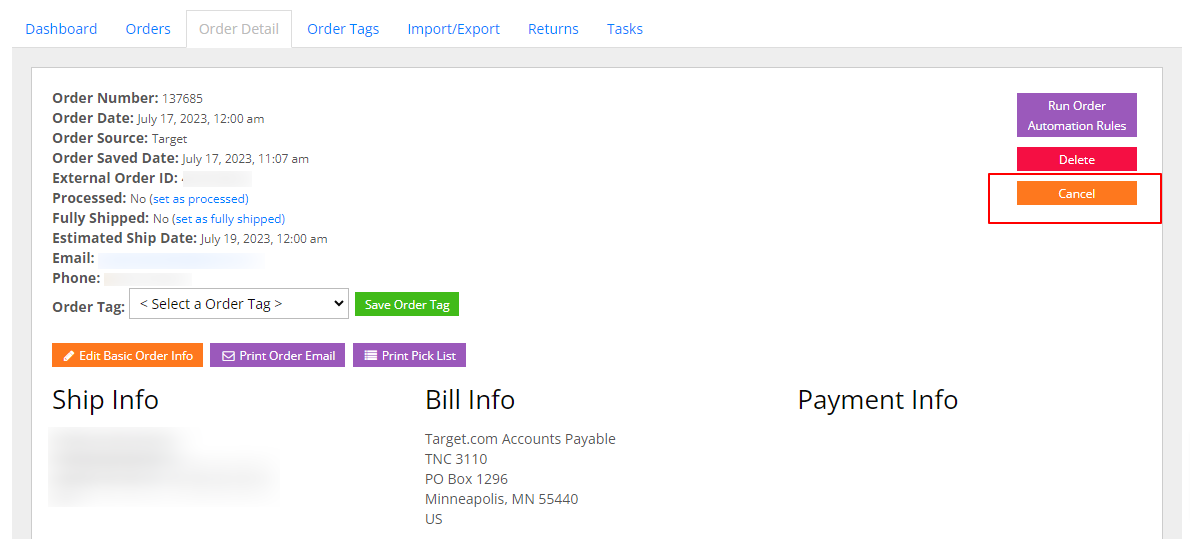
Canceling a Zoro Tools order in InfiPlex will send the appropriate EDI file to cancel the order with Zoro Tools. Once the order has been canceled, it cannot be undone. To cancel an order, click into the order detail page for the order and click the orange Cancel button in the top right of the orders detail page as shown below.