
Last Updated: Sep 21, 2026
 The Stamps.com module in InfiPlex Inventory & Order Management System (OMS) buys USPS labels for your orders through your Stamps.com account, so shipping happens from the same screen as everything else.
Before You Start
You need a Stamps.com account and its user name and password.
Live Labels Settings
Go to Settings > Shipping > Live Labels.
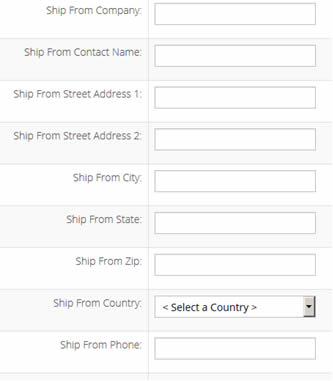
- Fill in the ship-from information at the top; this is the origin address printed on labels.
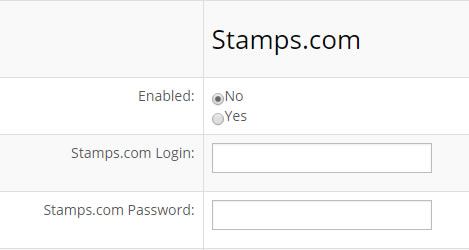
- Complete the Stamps.com fields and set Enabled to Yes:
- Stamps.com Login: your user name
- Stamps.com Password: your password
- Click the green Save button at the bottom of the page.
Labels are bought from the Order List with the Create Label/Package flow.
Set-up Support
Contact InfiPlex with any Stamps.com questions. Support is included with every InfiPlex package.
