
Last Updated: Sep 21, 2026
 Warehouse Orders in InfiPlex Inventory & Order Management System (OMS) are incoming replenishment orders. Enter the PO when it is placed, then receive it as stock arrives; each received quantity is added to that warehouse's inventory and flows out to every channel.
Warehouse Orders List
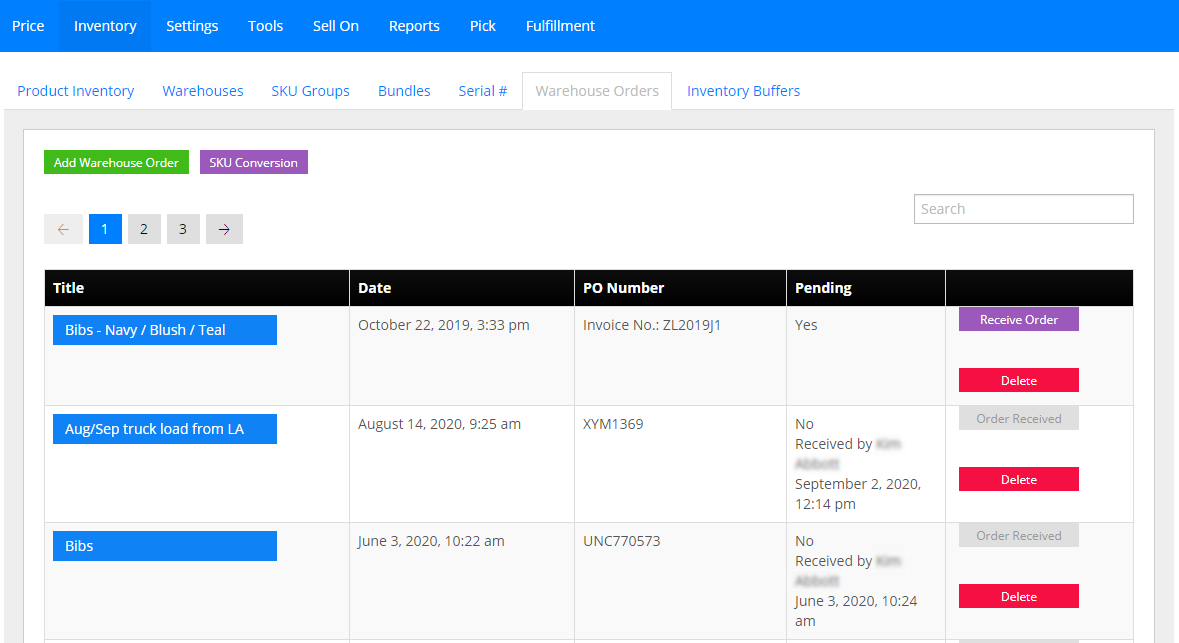
Inventory > Warehouse Orders lists current and past orders. Orders not fully received show a purple Receive Order button. Click the green Add Warehouse Order to create one.
Adding an Order
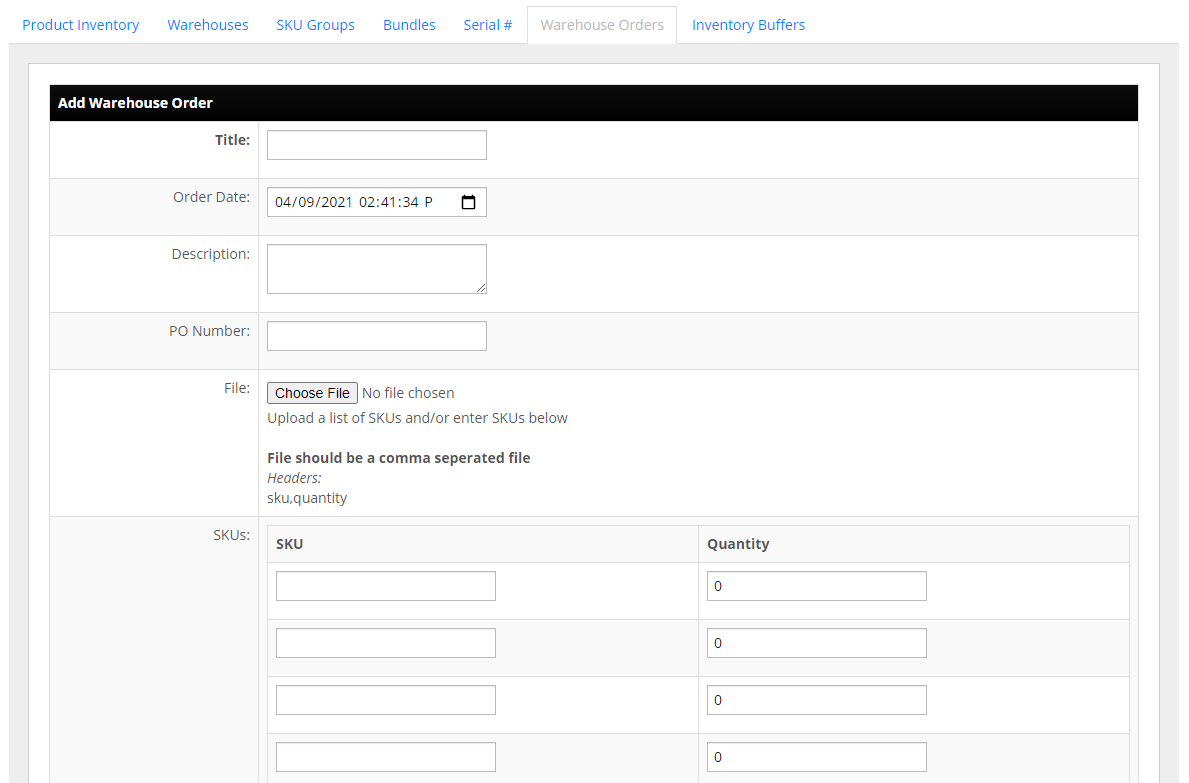
Give the order a title, date, description, and PO number. Add SKUs in the 50 SKU and quantity fields, or upload a two-column .csv (sku, quantity). The order can be edited and SKUs added until receiving starts.
Receiving an Order
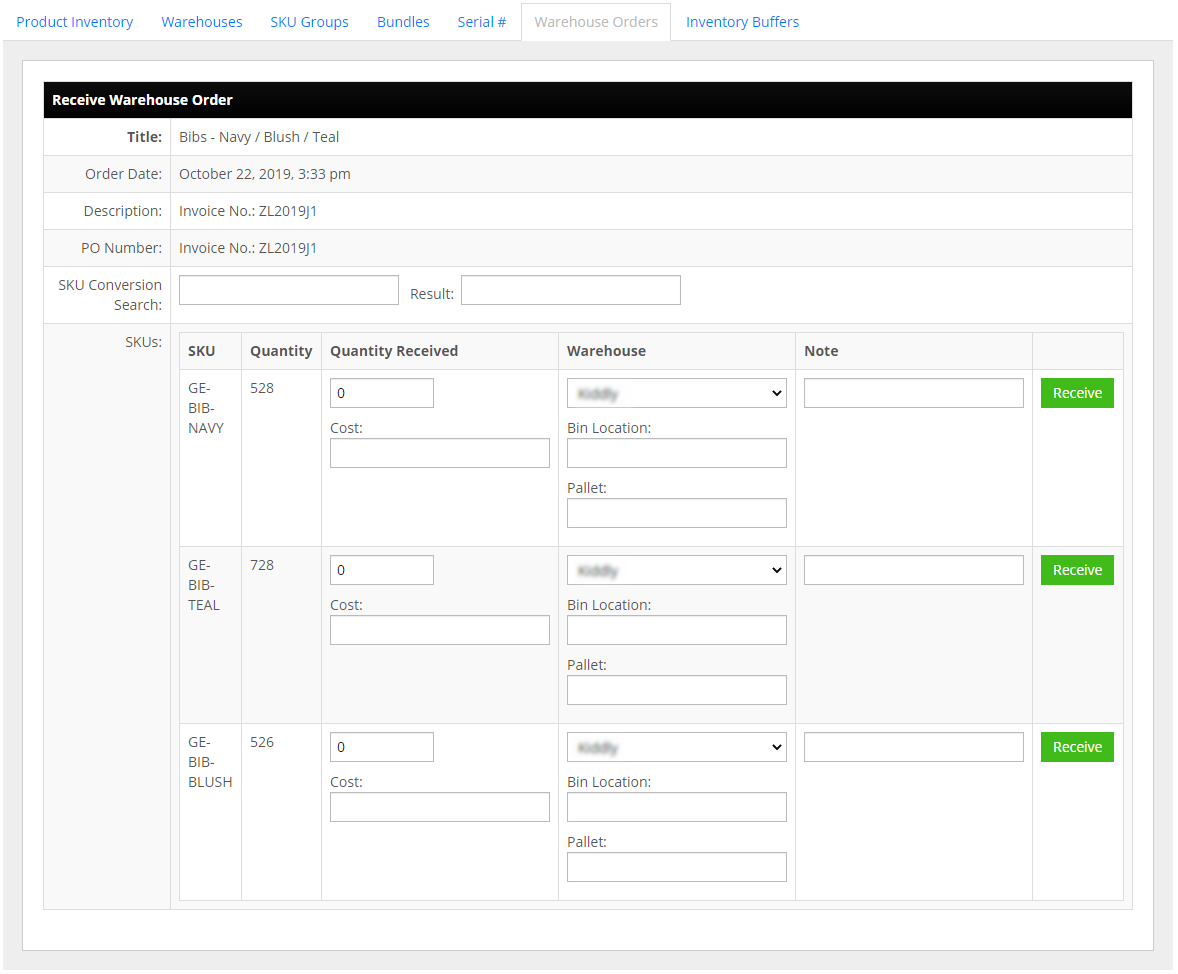
For each SKU, enter the quantity received, the warehouse receiving it, and any notes (damage in transit, short shipments such as 20 of 24). Click the green Receive button to mark the SKU received and add the quantity to inventory.
Set-up Support
Contact InfiPlex with any warehouse orders questions. Support is included with every InfiPlex package.
