
Last Updated: Sep 21, 2026
 Drop-ship bundles in InfiPlex Inventory & Order Management System (OMS) let you sell a bundle under one SKU on your marketplaces while InfiPlex sends the distributor the individual item numbers it actually ships. Four pieces make it work: the SKUs themselves, bundle inventory, the distributor SKU map, and the Bundle SKU Map.
Overview
- Upload your marketplace SKUs and bundle SKUs to InfiPlex with inventory 0 at every warehouse; the distributor or fulfillment integration then supplies inventory.
- Set each bundle up in the SKU Bundle tool so its inventory is calculated from the components, per warehouse.
- Add the standard SKU Map for the distributor (Tools > SKU Map) and associate it with the fulfillment integration.
- Add the Bundle SKU Map for the distributor on Fulfillment > Item Bundles.
Standard SKU Map
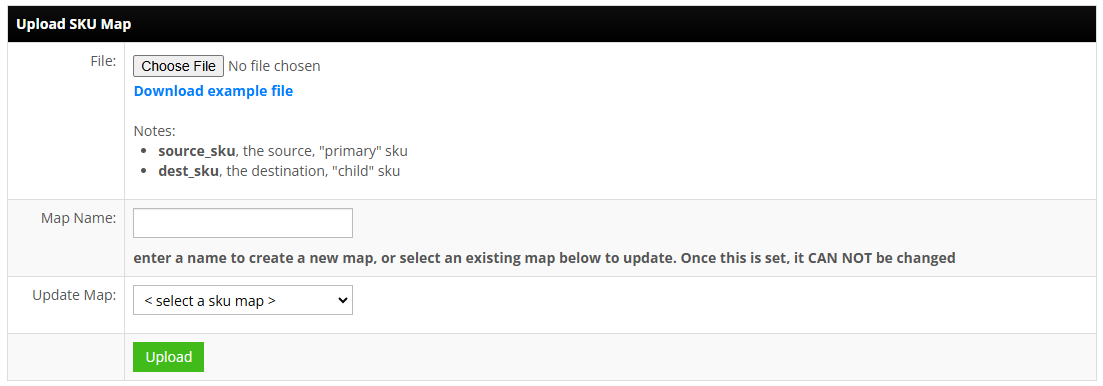
Every distributor or fulfillment integration needs a one-to-one map from your marketplace SKU numbers to the distributor's item numbers. Add it on Tools > SKU Map, then associate it in the Fulfillment area. Bundle SKUs do not go in this map.
Bundle SKU Map
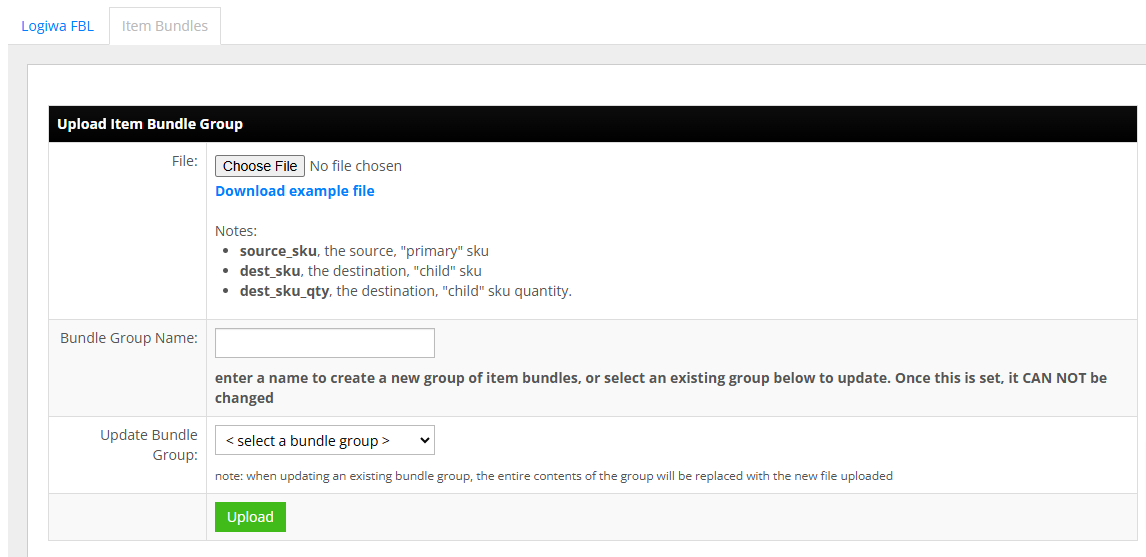
On Fulfillment > Item Bundles, one row per component:
- source_sku: the bundle SKU sold at the marketplace
- dest_sku: the distributor's item number for the component
- dest_sku_qty: how many of that component the bundle contains
Bundle Inventory
The SKU Bundle tool keeps the bundle SKU's inventory in step with its components, per warehouse: set the minimum level and auto-create amount, and every SKU involved must exist in InfiPlex first.
Set-up Support
Contact InfiPlex with any drop shipping questions. Support is included with every InfiPlex package.
