
Last Updated: Sep 21, 2026
When tracking was entered by hand and is wrong, or carries a stray space or extra character that the marketplace rejects, delete the package in InfiPlex Inventory & Order Management System (OMS) and add it again. The corrected tracking is then sent to the marketplace the order came from.
Steps
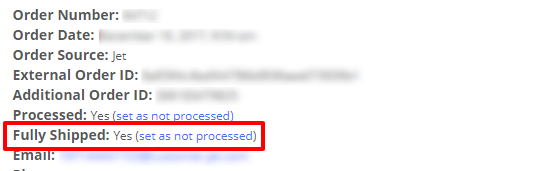
- Set Fully Shipped to No. At the top of the order detail, click set as not processed. A fully shipped order's packages cannot be deleted. Reload the order to see the Delete button.
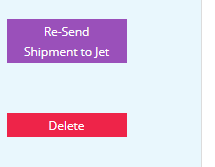
- Delete the existing package. If the tracking number itself is correct, copy it first. Click the red Delete button.
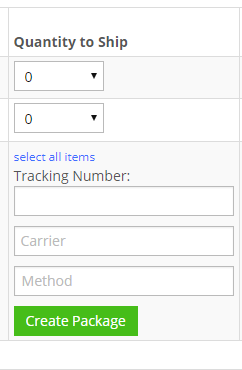
- Re-add the package. Use the Quantity to Ship column to create a new package and enter the tracking number.
The new package is sent to the originating marketplace to confirm shipment.
Set-up Support
Contact InfiPlex with any tracking questions. Support is included with every InfiPlex package.
