
Last Updated: Sep 21, 2026
 Rooms To Go requires an EDI 810 invoice to finalize every order. InfiPlex Inventory & Order Management System (OMS) builds the 810 from the order's Invoicing section and sends it when you close the invoice. An admin reviews each order and creates its invoice; this guide covers the four tabs of the invoice form.
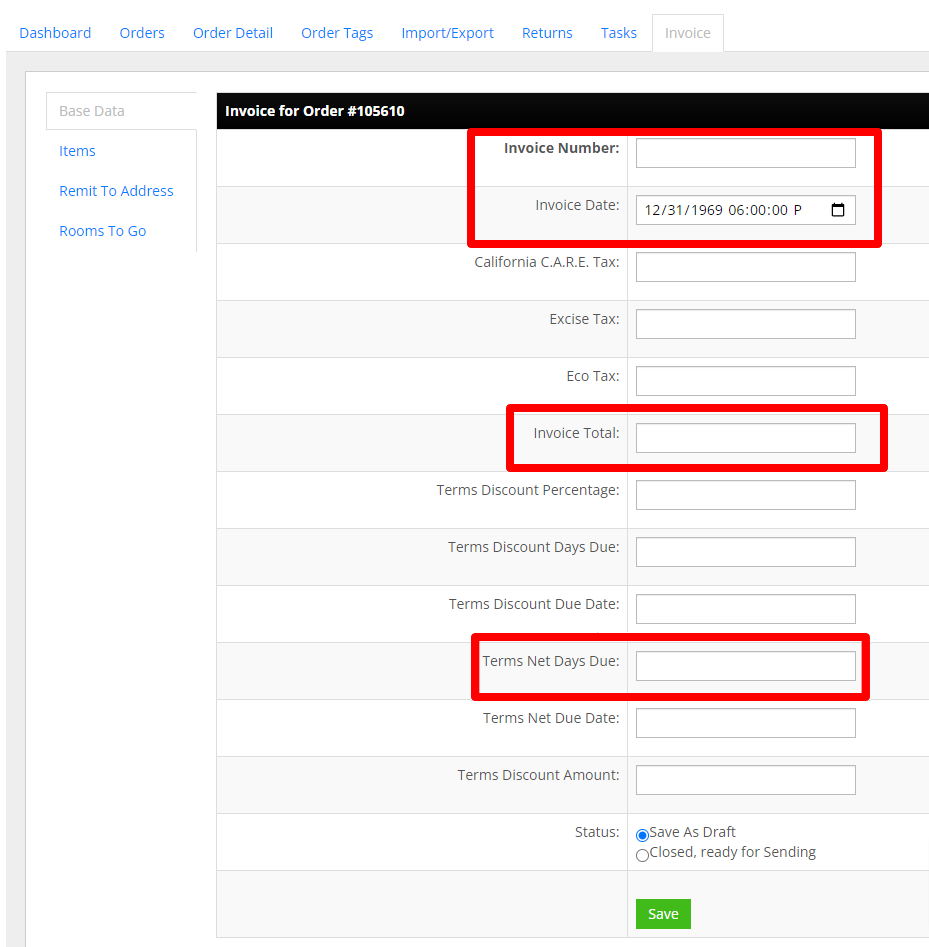
Base Data Tab
- Invoice Number: your invoice number from your ERP or accounting system
- Invoice Date: the date the order shipped
- Invoice Total: the order total. Rooms To Go orders arrive at wholesale pricing, so copy the total from the order
- Terms Net Days Due: the net terms, for example 30
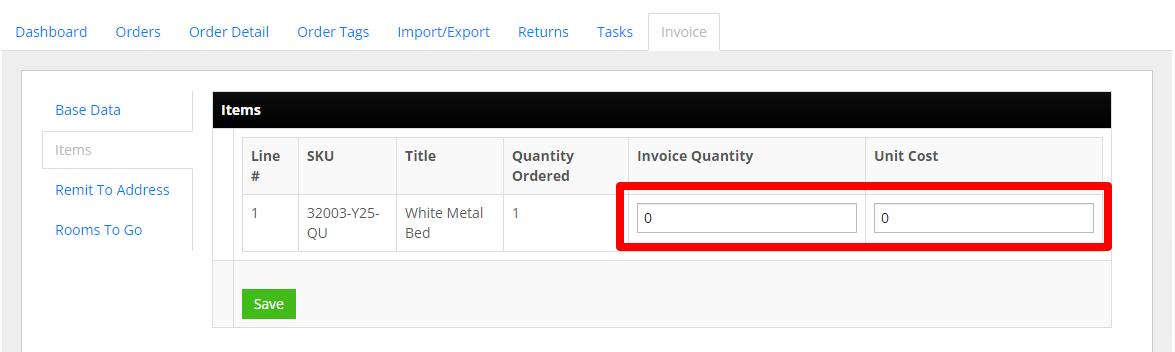
Items Tab
- Invoice Quantity: the quantity shipped
- Unit Cost: the unit price from the order, which is your negotiated wholesale price
Remit To Address Tab
System Address: pick your predefined remit-to address. Addresses are defined once in the System Addresses tool (wrench icon, top right of the admin area, main admin only); without one you enter the address by hand on each invoice.

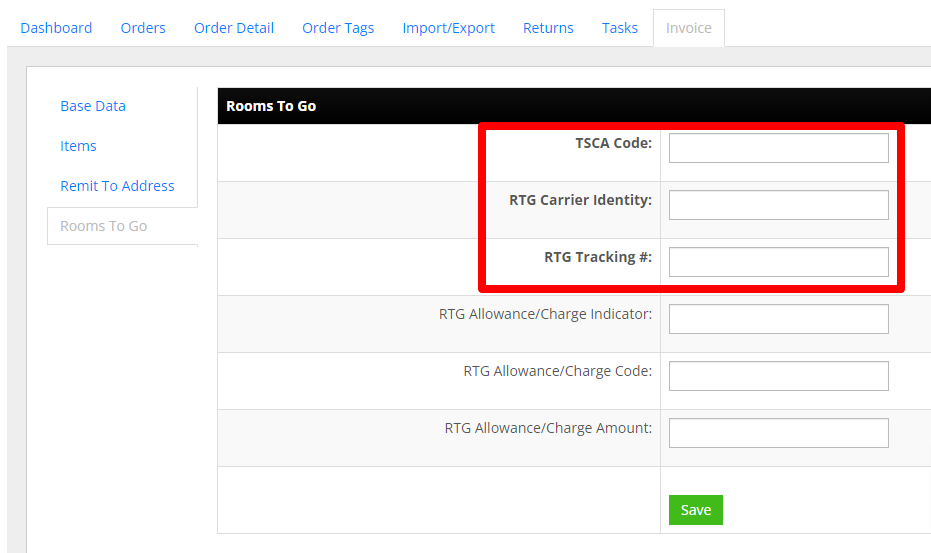
Rooms To Go Tab
TSCA Code (required). Enter only the three-letter code that fits the items on the order:
- CCW: products contain composite wood subject to TSCA Title VI, 40 CFR Part 770, and all are TSCA Title VI compliant
- NWP: products contain no wood and are not subject to TSCA Title VI, 40 CFR Part 770
- ECW: products contain material specifically excluded from TSCA Title VI, Part 770 (Formaldehyde Standards for Composite Wood Products) under 40 CFR § 770.1
- CSW: products contain only solid wood not subject to TSCA Title VI, 40 CFR Part 770
- PCW: some products contain composite wood subject to TSCA Title VI, 40 CFR Part 770; all such products are compliant and labelled
- RTG Carrier Identity: the carrier name for the shipment, for example UPS or FedEx
- RTG Tracking #: the shipment tracking number
Optional fields, left blank unless Rooms To Go instructs otherwise. Setting the indicator requires both fields below it:
- RTG Allowance/Charge Indicator: code indicating an allowance or a charge
- RTG Allowance/Charge Code: C310 Discount, D240 Freight, D270 Fuel Charge
- RTG Allowance/Charge Amount: the amount
Saving the Invoice
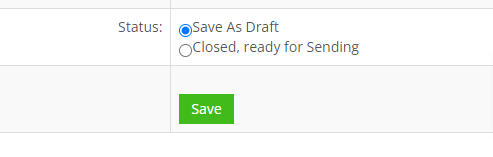
Back on the Base Data tab, choose how to save:
- Save As Draft: keeps the invoice editable. Nothing is sent.
- Closed, ready for Sending: closes the invoice and sends the EDI 810 to Rooms To Go. A closed invoice cannot be edited, so confirm every required field first.
Set-up Support
Contact InfiPlex with any Rooms To Go invoicing questions. Support is included with every InfiPlex package, and our team can review your first Rooms To Go invoicing orders with you.
